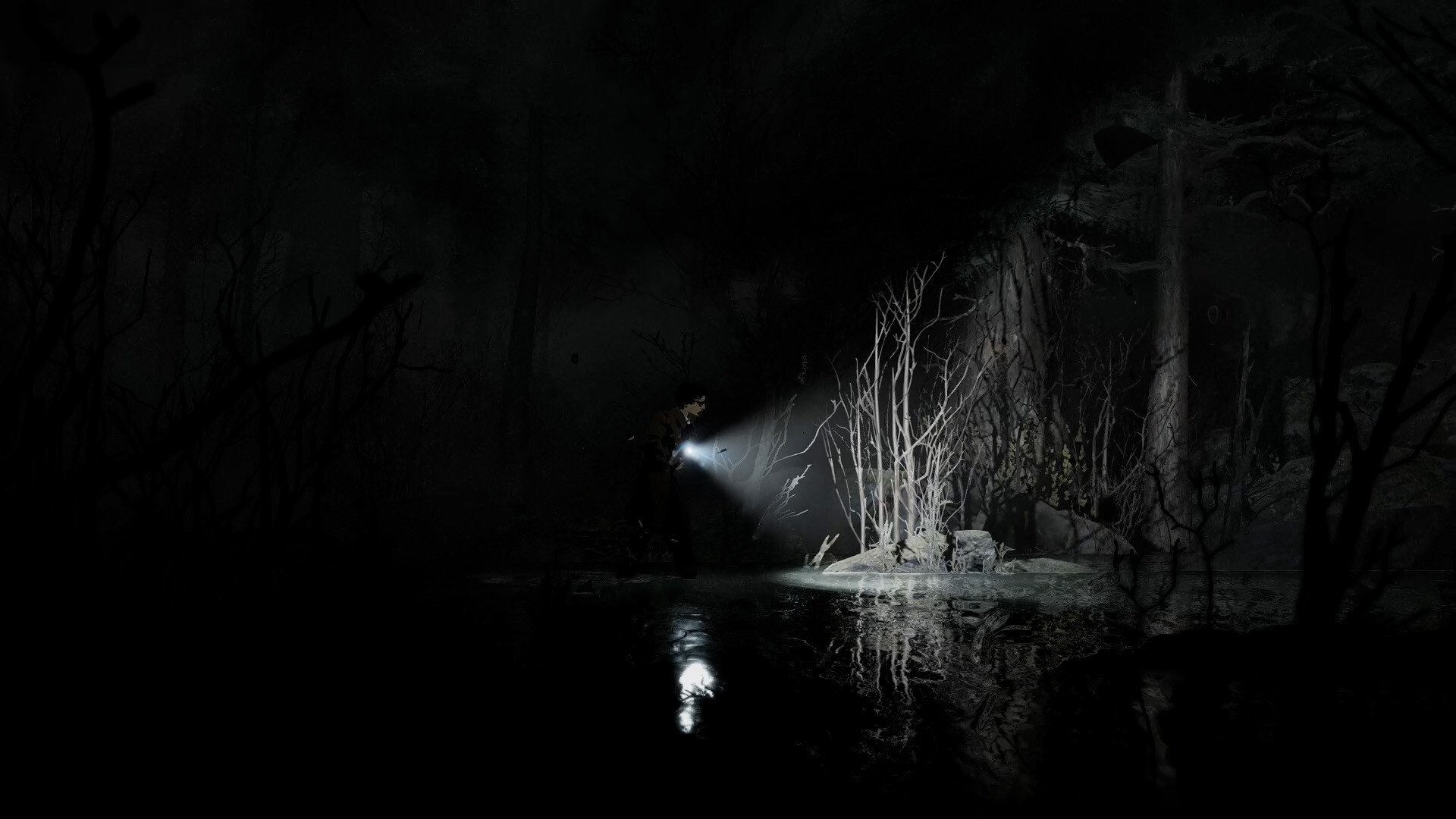
This Silver Pines demo walkthrough covers the reported opening and practical exploration basics; a complete tested route is 待确认, meaning it still awaits verification. Collected previews describe a diner tutorial, a phone call, interconnected paths and scarce supplies. You can use those observations to plan your first attempt without treating them as a guaranteed sequence of rooms. The guidance below is scoped to information collected by 7 October 2026, before the planned Steam release.
01
Start with the diner opening
Install the separate Silver Pines Demo on Steam rather than assuming the full game is already available. The recorded Demo application is 4540100, while the main game uses 2333000. Keeping those applications separate matters when checking requirements, languages and advice written for a particular build.
The collected Bloody Disgusting preview describes a narrated dream followed by Red Walker waking in an empty diner. A short tutorial accompanies the escape, and a subsequent telephone call introduces the investigation. Those are reported opening milestones, rather than proof of every interaction needed between them.
Follow the prompts displayed by your own build before looking for a supposedly universal button sequence. If an exit does not respond, inspect its immediate surroundings and review any tutorial instruction you just received. Exact current bindings and a verified diner escape sequence remain 待确认, so this page does not supply invented inputs.
02
Navigate streets and keep useful reminders
The collected preview describes turning into streets or hallways through openings visible in the background. Its reviewer used up or down to make those directional changes within the two-dimensional scene. If the layout feels confusing, compare the opening with the map before assuming the visible left-to-right path is your only option.
Look for environmental signs when entering a different street or building section. The preview specifically identifies signage as useful for understanding directional changes. You can use a sign as a landmark without assuming every named place is currently reachable or required for the next objective.
The same preview reports that camera photographs can be added to the map as reminders. If your build offers that feature, record an unresolved barrier or an interesting location before leaving it. A useful reminder describes what stopped you, rather than guessing which future item will solve the problem.
Worthplaying's collected preview describes substantial backtracking while gathering keys and other puzzle objects. Revisit a known obstacle when you obtain something that plausibly changes your options. Avoid turning that general pattern into a fixed route, because a checked list of connections and exact return points is still unavailable.
03
Understand keys and optional barriers
Some reported puzzles involve matching collected keys or items to obstacles. The Bloody Disgusting preview also describes an early blade cutting cloth barriers. When your build introduces an item through a tutorial, remember the demonstrated interaction and look for comparable materials during later exploration.
That preview reports a BB-gun shooting-range minigame that awards a pool key. It does not establish the precise target condition, the pickup sequence or every door reached afterward. Follow the challenge instructions in your version, and avoid treating an unverified score or target order as the solution.
A Steam developer reply confirms that revolver shots can open padlocks and shotgun blasts can break wooden barriers. The developer specifically says these methods are not required for progression in the Outskirts. They offer early access, so an unopened barrier alone does not prove your run is blocked.
The same reply mentions a later town method that avoids spending an expensive resource. It does not name that method, and this guide does not substitute a guessed tool. Consider postponing an optional barrier when ammunition is tight, especially if you have another unexplored connection available.
04
Budget ammunition, stamina and repairs
Scarce supplies and limited inventory are part of the official game description. Before choosing a fight, consider both the ammunition you might spend and the items you need to carry afterward. An optional detour can be useful, but its reward should not be assumed in advance.
Worthplaying's preview reports stamina consumption from dodging and melee attacks, while running did not consume that meter in its build. That observation supports watching the meter before committing to repeated swings. If your version behaves differently, trust the displayed response rather than forcing an older preview's behavior onto it.
The previews describe manual gun loading and tape-based blade repairs. Prepare those tasks before entering a threatening encounter when circumstances allow. Exact repair costs, durability values and ammunition capacities are not established here, so judge readiness from your own inventory and weapon display.
Money also deserves attention because the Bloody Disgusting preview describes both vending purchases and paid payphone saving. Keep that shared use in mind before spending everything on one immediate need. No verified optimal budget or universal saving amount is available, but preserving some flexibility can make a later choice easier.
05
Prepare for combat that continues in real time
The developer's combat response explains that inventory actions remain in real time by design. Opening your inventory should therefore not be treated as a pause button. Organize what you need before danger whenever you can, rather than relying on a menu to stop an approaching enemy.
The previews describe dodging as one way to move past enemies as well as reposition during combat. If a confrontation would exhaust your remaining supplies, consider whether retreat is possible in the situation you actually see. That is conditional survival advice, not a promise that every enemy or room can be bypassed.
The developer acknowledged that the Demo boss encounter was too rough and described adjustments intended for release. Those included dodge timing, an early boss hitbox, charging shadows and the healing animation. The reply does not prove those changes are present in the current Demo, so avoid applying a release discussion as a checked Demo strategy.
A verified boss name, health total and required weapon remain outside this guide's evidence. In particular, a player's difficulty with the encounter does not establish that the shotgun is mandatory. Use your available equipment deliberately and separate what the encounter demonstrates from advice based only on somebody else's frustration.
06
Recognize the Demo's unfinished boundaries
A developer reply about unfinished puzzles says the Demo presents the beginning of the full game. It specifically names the ring box and car trunk as things resolved farther into the game. Finding those loose ends is therefore not, by itself, evidence that you overlooked a Demo solution.
Keep that statement narrow when deciding whether another mystery is unfinished. The reply does not explicitly settle every object or character discussed in its thread. If you cannot connect a clue to a supported interaction, retain a reminder and distinguish your uncertainty from an official statement about availability.
A complete mapped route, verified shotgun password and precise saving inputs remain 待确认, meaning they still need direct confirmation. The related pages explain the recorded clue chain, saving basics and navigation features without supplying those missing answers. Consult them when a specific issue arises, then compare the explanation with your own build.
As recorded on 7 October, the main Steam page still showed a planned release of 8 October 2026. That date did not turn preview observations into a tested retail walkthrough. Use this starting guide to make informed decisions in the Demo, and retain the version boundary when looking for a more detailed route.