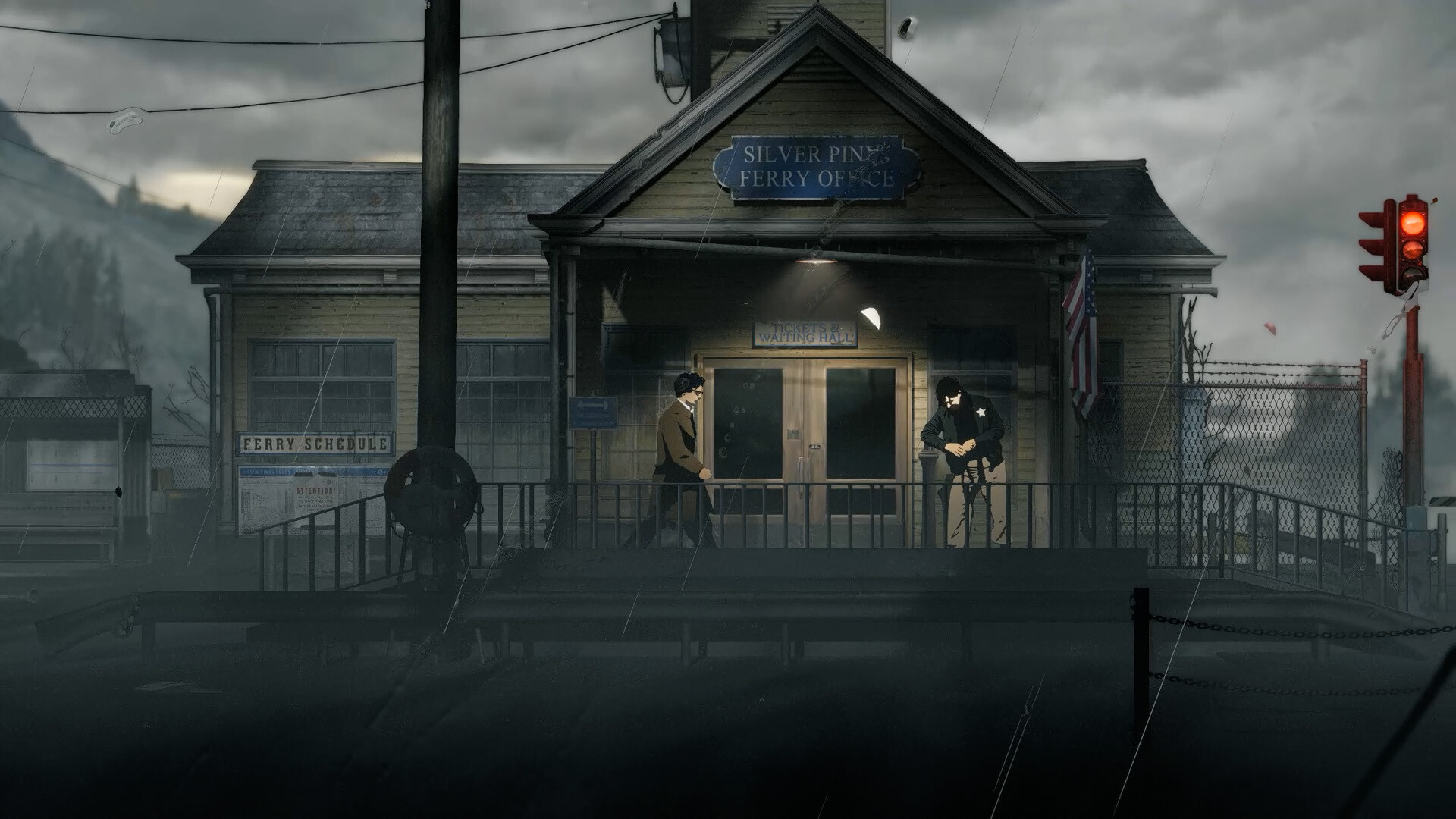
In the collected Silver Pines Demo preview, you save at payphone save points by spending money. That same money also buys ammunition or health supplies, so spending everything can limit your options. The exact saving cost and complete dialing interaction are 待确认, meaning they still await verification. This guide explains the reported saving system and practical planning around it without inventing a price, service number or universal troubleshooting fix.
01
Use the Demo's payphone save points
The collected Bloody Disgusting Demo preview directly describes money being used at payphone save points. That is the clearest recorded evidence for the basic saving mechanic. Look for an interaction identified by your game as a saving point, rather than assuming every telephone has the same purpose.
Worthplaying's preview separately reports that saving is limited to particular rooms. Its reviewer also describes storage containers in important areas for swapping inventory items. These observations help explain why planning a return can matter, but they do not provide a checked list of save rooms or storage locations.
When you reach a possible saving point, read the interaction shown by your build before committing to it. If the game presents a cost or instruction, use that displayed information to make your decision. The collected previews do not verify an exact button sequence, so this page does not prescribe unsupported keyboard or controller inputs.
Use the Steam Demo page to keep the application scope clear. Its app number is 4540100, distinct from the full game's 2333000. A guide or discussion using the main forum may still concern the Demo, so the forum address alone cannot establish retail saving behavior.
02
Keep money for saving and supplies
The same Bloody Disgusting preview describes a vending machine selling ammunition and health kits. Money is therefore reported as a shared resource rather than something used only for saving. A purchase can solve an immediate shortage while reducing what remains for a later saving interaction.
Before spending, consider the needs you can actually see in your current run. Compare your remaining ammunition, healing supplies and money with the route you intend to explore next. No collected source establishes a universally optimal spending order, so adapt that comparison to your available equipment and immediate risk.
A minimum reserve cannot be calculated without a verified price for each save. That numerical cost remains 待确认, and this page deliberately leaves it unspecified. If your game displays the cost, you can use that information locally without assuming the same amount applies to every build or difficulty.
If you must choose between an optional purchase and preserving money, ask which decision keeps your next objective manageable. Sometimes that may mean postponing shopping until you understand what is ahead. This is conditional resource planning, not a claim that every area provides replacement money or that any particular purchase is unnecessary.
03
Prepare a return while actions remain in real time
The developer's combat reply explains that inventory actions are real time by design. Opening the menu therefore should not be treated as a pause that protects you from danger. Organize your next action before entering a threatened area when circumstances allow it.
Collected previews describe scarce ammunition, a blade that needs repair and manual weapon loading. Those details matter when deciding whether you can safely retrace a route toward a saving point. Check your actual weapon condition and supplies instead of assuming the route will remain harmless because you have crossed it once.
The same previews describe dodging and the possibility of avoiding hostile creatures. If a fight would use resources you need for the return, consider whether your current surroundings offer a way past it. That suggestion does not promise that every enemy can be bypassed or that retreat is always possible.
Keep a useful reminder of the saving point you have actually identified during play. If your version supports camera photographs on the map, the collected preview suggests that feature can help remember places. Do not mistake a personal reminder for a verified global map, a guaranteed shortcut or proof that a different phone also saves.
04
Read telephone information carefully
The previously collected saving discussion includes a recorded developer acknowledgment of small telephone-book number text. The research record also mentions a readability patch. This supports treating difficult-to-read numbers as a real reported issue, rather than assuming every unsuccessful interaction is caused by insufficient money.
If a telephone interaction in your build asks you to use written information, compare it carefully with the original entry. Distinguish the recipient's details from any dialing instructions shown alongside them. Exact service numbers and the complete saving sequence remain unverified, so the readability issue does not justify supplying guessed digits.
Take time to inspect an ambiguous character before repeatedly entering what you think it says. A note that is legible in one screenshot or display setup may be harder to read in yours. The collected material does not establish a specific zoom function, display setting or accessibility control as a guaranteed fix.
An ordinary player comment about manually dialing multiple numbers must not be treated as a developer instruction. The prior source audit specifically distinguishes that player from the developer response. A reported suggestion can be worth comparing with your own prompt, but it does not prove that every save requires the same repeated procedure.
05
Check an unsuccessful interaction without guessing a fix
If saving does not work, first confirm that you are using a point your game identifies as a saving interaction. Next, inspect any requirement or message currently displayed there. These checks help separate the supported payphone-and-money mechanic from assumptions about what an unfamiliar telephone is supposed to do.
If the interaction refers to money, compare the displayed requirement with your current balance. If it refers to a number or written clue, return to that information and check your transcription. Neither condition proves the other is responsible, and the collected sources do not establish one universal cause for saving failures.
Notice whether you are trying to save during a situation that still threatens your character. The confirmed real-time inventory design means menu activity should not be used as a substitute for reaching safety. However, this page does not claim that combat automatically disables saving, because that specific restriction has not been verified.
06
Keep costs, difficulty and transfer questions separate
The exact price, number of save slots, overwrite rules and current input sequence are still 待确认. Each is a different question, and none can be answered simply from the fact that payphone saving spends money. Use the game's displayed instructions for your current session while keeping those missing details separate from the basic mechanic.
Difficulty-specific free saving, autosaves and checkpoint rules are also unverified in the collected material. A player asking about those features does not establish whether they exist. This guide therefore does not promise free saves on a named difficulty or tell you to depend on an automatic checkpoint.
The captured Steam index lists a Demo save-transfer question but does not provide a verified answer. Do not assume that finishing the Demo guarantees your progress will transfer into the full game. Likewise, the absence of an inspected answer does not prove that transfer is impossible.
These notes reflect material collected by 7 October 2026, before the planned Steam release. A mentioned readability patch does not demonstrate that your current Demo has received it, and preview observations do not certify retail behavior. Use the payphone-and-money basics to plan your run, then follow the requirements your own build actually presents.