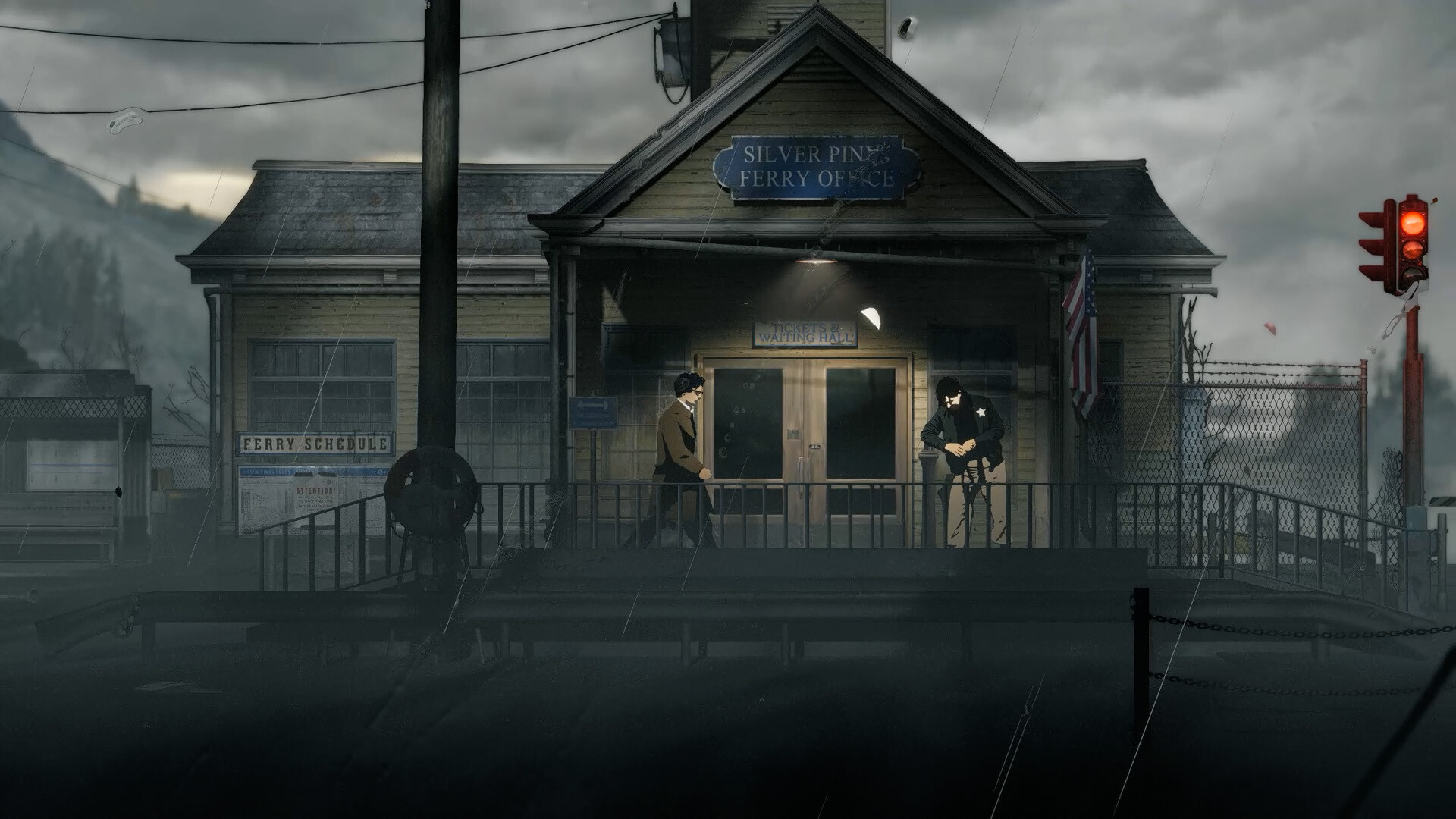
The Silver Pines demo is a free, separate Steam application with an Install Demo action, recorded on 7 October 2026. Its store lists a release date of 1 June 2026 and Windows requirements. Console Demo availability and progress transfer to the full game remain 待确认, meaning they still need confirmation.
01
Download the correct Steam application
Open the Silver Pines Demo store page and look for the Install Demo action. The application identifier is 4540100, which distinguishes this playable sample from the main game. Check that the page actually says Silver Pines Demo before installing, especially if you arrived through a search result rather than the official website.
The main game has a separate Steam page under application 2333000. That page still showed a planned 8 October 2026 release and a pre-purchase state in the collected snapshot. A listing for the main game therefore should not be mistaken for the free Demo installation, even though both pages describe the same underlying game.
The official website also announced that the Steam Demo was available. This provides a useful starting point if you want to confirm the identity of the game before following its store link. No separate browser version, mobile download or alternative executable was established by the collected official material, so availability through those routes is 待确认.
02
Know what game you are trying
Silver Pines is described officially as a survival horror metroidvania developed by Wych Elm and published by Team17. You play private investigator Red Walker while investigating the disappearance of musician Eddie Velvet. The combination of an investigation and interconnected exploration gives the Demo context beyond simply testing whether your computer can launch it.
The official description highlights puzzles, dangerous creatures, scarce supplies and limited inventory space. Weapons and tools can open additional areas, while locked doors and hidden paths shape exploration. Treat those features as the game's stated design rather than a promise that the Demo contains every system, enemy or location available in the full release.
For practical starting advice, continue to the Demo walkthrough. It explains reported opening milestones and exploration basics while identifying the parts that lack a tested complete route. If your immediate question concerns a particular obstacle, the saving, map and shotgun pages provide narrower answers than an assumed universal sequence of rooms.
Use the sample to assess the kind of decisions that the official description emphasizes, including exploration and managing limited supplies. Your experience of those decisions can be more useful for choosing whether to continue than an unverified claim about the Demo's total length. No exact completion time or complete inventory of playable areas was established, so both of those measurements remain 待确认.
03
Check the Demo's Windows requirements
The Demo's minimum specification lists Windows 10, an Intel Core i5-4460 or AMD Ryzen 3 1200, and 8 GB RAM. Its graphics requirement is a GeForce GTX 660 Ti or Radeon R9 270X, with DirectX 11 and 5 GB of available storage. Compare each category with your machine before downloading, because having sufficient memory alone does not establish that the other requirements are met.
The recommended specification lists Windows 11, an Intel Core i5-6600 or AMD Ryzen 5 1600, and the same 8 GB RAM. Recommended graphics are a GeForce GTX 770 or Radeon R9 380, again with DirectX 11 and 5 GB of available space. These are the Demo's published requirements; they are not measured frame rates, benchmark results or a guarantee for a particular graphics preset.
The full game's store lists DirectX 12, while the recorded Demo requirements list DirectX 11. That difference is why this guide keeps the applications separate even when several hardware entries match. Use the system requirements comparison if you are assessing both versions, and avoid copying the main game's API requirement into a Demo installation question.
04
Separate installation space from performance promises
The listed 5 GB refers to available disk space, rather than a verified network download size. The collected store information does not establish the compressed transfer size, patch size or exact installed footprint on every machine. If bandwidth or storage is tight, inspect the Steam installation prompt for your current download instead of treating the specification as a precise amount to transfer.
Native Windows support is present in the recorded application information, while a native macOS or Linux release was not listed there. Steam Deck compatibility is a separate question from those operating-system flags. A compatibility layer or handheld result should not be presented as proof that the developer distributes a native Linux build of the Demo.
The Demo's recorded Steam Deck status was Unknown, whereas the main game was marked Verified. Unknown does not establish that the Demo is unsupported, but it also does not supply a tested settings recommendation. Read the Steam Deck guide for that distinction; exact Demo frame rate, battery duration and reliable performance presets remain 待确认.
05
Check languages and console Demo availability
The Demo language table shows English interface and subtitles, without a full-audio checkmark. That table does not justify adding the full game's language list to the Demo or promising a particular voice-over option. If a language is important to your first playthrough, check the Demo's own current table rather than assuming that matching artwork means matching localization support.
The official website displays the full game's Steam, PlayStation 5, Xbox Series X|S and Nintendo Switch platform identities. Those announcements concern the game itself and do not demonstrate that a free sample exists on every platform. A PS5, Xbox or Switch Demo remains 待确认 in this material, so this page supplies the verified Steam download rather than invented console installation links.
The PS5 and platforms guide explains those platform announcements in more detail. It also separates the scheduled Steam date from regional console unlock times and subscription availability. Keep that distinction when planning a console session, because a confirmed full-game platform and an available console Demo are two different pieces of information.
06
Understand progress, pricing and the next step
The free Demo is not evidence that the complete game is free. On 7 October the main Steam page displayed paid Standard and Deluxe purchase options, while the sample retained its own free installation action. Use the price and editions guide to compare the dated purchase snapshot rather than assigning the Demo's price to the full release.
Whether Demo saves transfer into the main game is 待确认 in the collected material. A shared protagonist, opening scenario or developer does not prove compatible save files between the two applications. If retaining progress is important, wait for an explicit statement about the current builds before deleting a save or assuming that a new purchase will resume the same session.
Begin with the free Steam application when your goal is to sample the investigation and exploration. Follow the prompts in your own build, then consult the walkthrough when you need help interpreting a reported mechanic. All availability, language and compatibility statements here describe material collected by 7 October 2026; later changes need a fresh check on the relevant official page.